Later vs Planoly (2026): Which Instagram Planner Is Better?
Compare Later and Planoly on features, free plans and ease of use for Instagram planning, so you can pick the right visual scheduler for your grid.
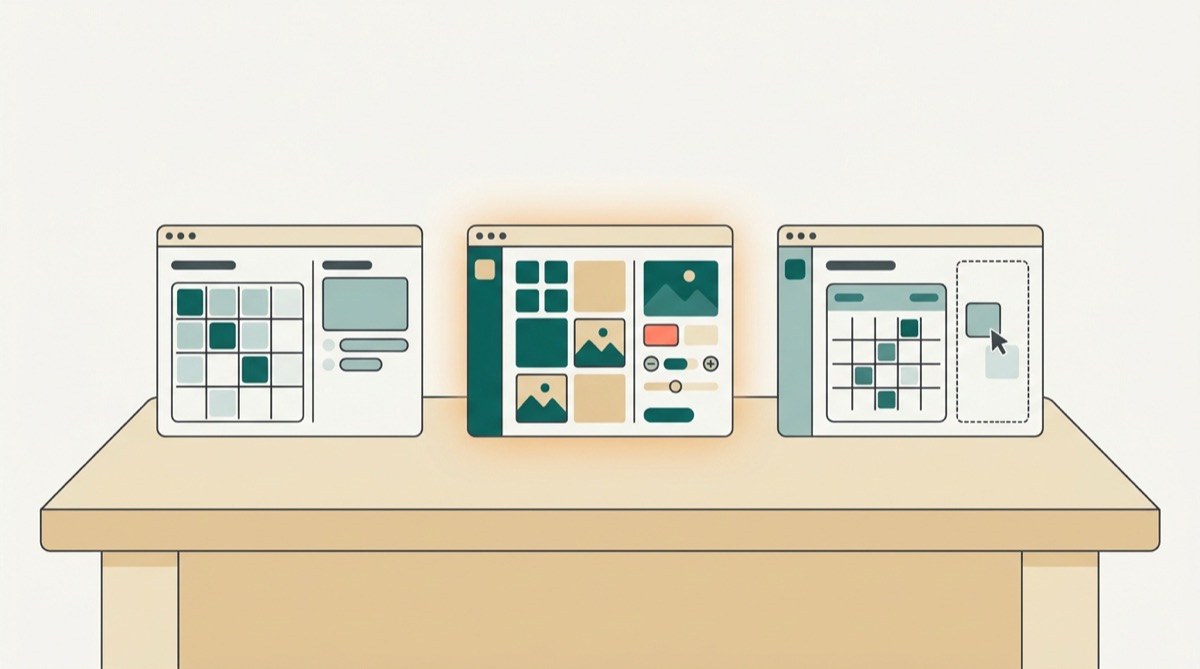
Later vs Planoly is a common comparison for anyone planning to schedule Instagram content visually, since both tools are built around planning a feed before you post, but they differ in scope. Later has grown into a broader scheduler with a wider network list and a bigger media library, while Planoly stays close to its original idea: a clean grid planner for Instagram and Pinterest. This guide compares what each does well, where they overlap, and which one fits different types of accounts.
What Later does well
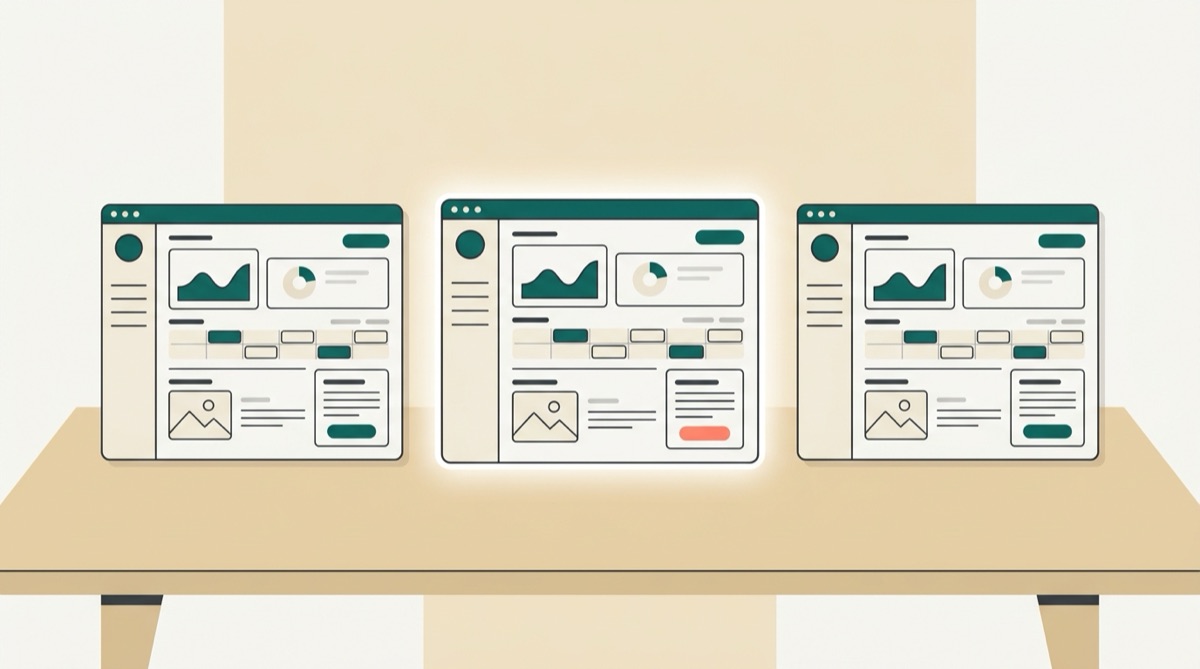
Later started as an Instagram-only planner and has since added Facebook, TikTok, LinkedIn, X, YouTube, Threads and Pinterest to its publishing list. The visual calendar is still the centerpiece: you drag photos and videos into a grid, preview how your feed will look before anything goes live, and reorder posts to keep a consistent look.
A few features stand out:
- Media library. A searchable library holds your photos, videos and past captions, which helps when you are reusing content across months.
- Link in bio. A built-in landing page turns a single bio link into a page of clickable posts and links.
- Best-time suggestions. Later can suggest posting times based on your account data, though this typically sits on paid plans rather than the free tier.
- Hashtag suggestions. The composer suggests hashtags related to your caption or image, which saves some research time.
Later suits accounts that care about the overall look of an Instagram grid and want one tool that also reaches a handful of other networks.
What Planoly does well
Planoly is built around the same core idea, a drag-and-drop grid, but keeps the feature set narrower and the interface simpler. Its strengths:
- Grid preview. Planoly's grid view is often described as one of the cleanest in this category, making it easy to plan a cohesive feed before publishing.
- Stories and Reels planning. Planoly includes dedicated tools for planning Stories and Reels content alongside the main feed.
- Comment and DM management. A shared inbox for comments and direct messages sits inside the same app, which is convenient for a solo creator managing engagement without switching apps.
- Simplicity. Planoly has fewer settings and menus than Later, which shortens the learning curve for someone who wants to plan a grid and not much else.
Planoly suits accounts that want to stay focused on Instagram and Pinterest without a long list of extra features to learn.
Team features and collaboration
Neither tool is built primarily for large teams, but both offer some way to work with a client or a colleague. Later supports multiple users on higher plans, along with a preview and approval step before a post goes live, which suits an agency managing a handful of client accounts. Planoly leans more toward the solo creator or small brand, with fewer collaboration settings and a workflow built around one person planning a grid rather than several people reviewing it.
If approvals are the main reason you are comparing tools, treat that as a separate decision from the grid-versus-features question above. A tool built specifically for sign-off workflows, discussed in our Loomly alternatives guide, may serve a review-heavy process better than either Later or Planoly's lighter approach.
Switching between Later and Planoly
Neither tool imports the other's queue directly, so moving between them means treating it like starting fresh rather than a straightforward migration. Export or note down your upcoming captions and posting times, gather your media into one folder, and rebuild your calendar in the new tool a week or two at a time. This also gives you a natural point to reconsider your posting cadence and content pillars rather than copying an old plan over unchanged.
Later vs Planoly: feature comparison
| Feature | Later | Planoly |
|---|---|---|
| Core focus | Visual grid plus multi-network publishing | Visual grid, kept simple |
| Networks | Instagram, Facebook, TikTok, LinkedIn, X, YouTube, Threads, Pinterest | Instagram, Pinterest, Facebook, TikTok |
| Media library | Yes, searchable | Yes |
| Link in bio | Yes | Yes |
| Comment or DM inbox | Limited | Yes |
| Best-time suggestions | Yes, on paid plans | Limited |
| Free plan | Check the pricing page | Check the pricing page |
Both companies change their free-plan limits often, so treat the table above as a feature comparison rather than a pricing guide, and confirm current numbers on each site before signing up.
Free plans: what to check before you commit
Neither company publishes a free plan that stays fixed forever. Before you pick one, check three things directly on their pricing pages: how many social sets or profiles the free plan covers, how many scheduled posts it allows per month, and which features, such as analytics, best-time suggestions or hashtag tools, are locked to paid tiers. A free plan that looks generous today can change by the time you read this.
It also helps to think about how you would feel paying for either tool a year from now, once your account has grown past a single profile. Later's paid tiers are built around adding more social sets and unlocking analytics and best-time suggestions, while Planoly's paid tier tends to add posting volume and extra planning tools rather than new networks. Neither approach is wrong, but knowing which direction your account is likely to grow, more brands or more posts, can point you toward the pricing structure that will cost you less to scale into.
Which should you choose
- You want one tool for Instagram plus several other networks: Later's broader network list makes it the more flexible pick.
- You want the simplest, cleanest grid experience and mainly post to Instagram: Planoly's narrower focus is easier to learn.
- You manage comments and DMs from inside your scheduler: Planoly's built-in inbox covers more ground here than Later's.
- You want a media library you can search months later: Later's library is the more developed of the two.
- You are choosing based on price: confirm both pricing pages, since free-plan limits are the part most likely to have changed since this was written.
If you are comparing tools more broadly rather than deciding between just these two, our round-up of free social media schedulers covers a wider field, and our Buffer vs Later comparison looks at Later against a different kind of competitor. Teams that need an approval workflow on top of scheduling may also want to read our Loomly alternatives guide, and larger teams outgrowing either tool sometimes look at our Hootsuite alternatives guide next.
A simpler cross-platform alternative: BroadcastPost
Later and Planoly both put Instagram's look and feel first, which is exactly right if your grid is the main thing you manage. If your business also runs Facebook, TikTok, LinkedIn, Threads, YouTube, Reddit or a Google Business Profile, and you want one composer and one calendar for all of it, BroadcastPost takes a plainer approach. Write a post, choose Publish Now, Add to Queue or Pick a time, and let best-time chips suggest a slot based on your own past results. There is no visual grid tool, but there is a free plan, straightforward analytics with a CSV export, and support for more networks than either tool's free tier typically covers.
Our beginner's guide to scheduling social media posts walks through setting up a first posting schedule in a few minutes. If Instagram is only part of what you manage, try BroadcastPost free and see whether a simpler, cross-platform calendar covers what you need without the extra grid tools.
Note: BroadcastPost publishes to Instagram, Facebook, Threads, TikTok, LinkedIn, YouTube, Reddit and Google Business Profile. It does not publish to Pinterest, X or Bluesky yet, so if one of those is essential for you, pick a tool above that covers it.
Key takeaways
- Later has grown into a broader scheduler with more networks and a bigger media library; Planoly has stayed narrower and simpler, with a stronger built-in inbox.
- Both are built around a visual Instagram grid, which suits accounts where the overall feed look matters.
- Free-plan limits change often for both tools, so confirm current details on each pricing page before deciding.
- Choose Later for broader network reach, Planoly for a simpler, more focused experience.
- If your business needs one calendar across Instagram and several non-visual-first networks, a simpler cross-platform tool such as BroadcastPost may fit better than either grid planner.
Frequently asked questions
- Is Later or Planoly better for Instagram?
- Later offers a wider set of features, including publishing to more networks and a bigger media library, while Planoly stays focused on a simple visual grid for Instagram and Pinterest. The better fit depends on whether you want more tools or a simpler single-purpose planner.
- Does Later or Planoly have a better free plan?
- Both have offered free plans in the past, but free-plan details change often for both companies, so check each pricing page for the current limits before you decide.
- Can I schedule Instagram Stories with Later or Planoly?
- Both tools support planning Stories, though some scheduling still needs a mobile reminder rather than fully automatic publishing, depending on the account type. Check each app for its current Stories workflow.
- Is there a simpler alternative to Later and Planoly?
- BroadcastPost is a simpler option if you want one calendar for Instagram alongside Facebook, TikTok, LinkedIn, Threads, YouTube, Reddit and Google Business Profile, without the extra visual-grid tools Later and Planoly are built around.